 English
 Español
 Português
 Italiano
 Français
 繁體中文
 Türkçe


The main intent behind searching for people
The first thing is to understand what exactly you are looking for. Usually, the main intent when searching for people is to locate someone's contact information or whereabouts. Depending on your particular case, this can include several types of search:
-
By first and last name: You want to find someone from your past or verify the identity of someone new using their full name.
-
By email or phone number: You have some contact detail (email, phone) and you are looking for more information about that person (name, profile, address, etc.).
-
On social media: You want to track down contacts or profiles on Facebook, Instagram, LinkedIn, etc., perhaps to reconnect or for professional purposes.
-
Missing persons or old acquaintances: You are looking for a relative or friend who has physically disappeared or with whom you lost touch, which may call for special methods and help from the authorities.
-
Professional or marketing purposes: You need to find leads or potential customers, for example locating people who follow a certain Instagram account, or finding the contact details of a professional at a certain company.
Whatever your case, the goal is the same: to find that person in a fast, legal and effective way. Below, we will look at strategies for each scenario, from the most basic to advanced techniques that use specialized tools.
Online methods to search for people or find someone on the Internet
Most searches today start on the Internet. We have search engines, social networks and specialized services at our fingertips that can be real gold mines of information. I recommend starting with these online methods to locate people, since they tend to be fast and are available to anyone with an internet connection.
Use Google and other search engines as a starting point
General search engines (Google, Bing, etc.) are the digital Swiss Army knife for finding information about almost anyone. Many times, simply typing someone's full name will give you useful leads. How do you get the most out of Google? Here are some practical tips:
- Direct search by name: Type the full name in quotation marks. For example, search for "Mario Gómez Pérez". The quotation marks tell Google to look for that exact phrase, filtering the results to those where that name appears exactly as typed. This increases the chances of finding social media profiles, news or sites that mention that person.
- Add details to narrow down the search: If the name is common, add any information you know: city, profession, company, university, etc. Example: "Mario Gómez Pérez" Madrid lawyer. The more relevant details you include, the more specific the results will be.
- Exclude unwanted terms: If Google shows you results for someone else with the same name, use the minus operator (
-). For example, "Mario Gómez Pérez" -footballer if you want to rule out the one who is a footballer and focus on your Mario Gómez Pérez the lawyer. - Search Google News: If you suspect the person may have appeared in the media (as a professional, an athlete, etc.), go to the "News" tab. This can reveal achievements, press mentions or even write-ups of local events.
- Try other search engines: Although Google dominates, it is sometimes worth trying Bing, Yahoo or DuckDuckGo. Each search engine has its own algorithms and may surface different results. When you are looking for someone hard to find, leave no option untried.
With these advanced search tricks, you will be able to find someone by name by tapping into the huge index of public information that Google and company offer. However, sometimes this is not enough, especially if the person does not have much presence on the web. In that case, let's move on to the next step: images.
Find a person by their photo (reverse image search)
Do you have a photo of the person you are looking for? Then you're in luck: you can try a reverse image search. This technique consists of using the photo as the search term, instead of text, to see where else that image appears on the Internet. Here is how to do it:
- Google Images: Go to images.google.com (or the Images section on Google). Drag and drop the photo into the search bar, or click the camera icon to upload the image. Google will try to find sites where that photo is published, or visually similar images. With luck, you could discover social profiles, news or personal pages of that person from their photo.
- Specialized alternatives: Besides Google, there are search engines dedicated to image search. A popular one is TinEye, which sometimes finds results that Google doesn't. Another, more advanced one is PimEyes (focused on facial recognition), although it is paid and should be used responsibly.
- Photo search on social media: Some networks like Facebook allow you to search by photo indirectly through tag suggestions, but in general it is not easy. Instead, check whether the photo contains any clue (a uniform, a landscape in the background, etc.) and use it as a key: for example "girl photo school uniform Madrid 2010" on Google could, with luck, lead you to a forum or group where she appears.
Reverse search is not always 100% effective, especially if the person has never published that photo online. But it is a powerful tool when you have an image: it saves you time and can reveal hidden profiles that don't come up with a name search.
Explore social media (Facebook, Instagram, LinkedIn, etc.)
If general search engines didn't hit the mark, the next logical step is to head to social media. Keep in mind that nowadays almost everyone has some kind of social profile, and many people can be located more easily within these platforms. I recommend the following strategies, network by network:
- Facebook: It is the largest social network and a good starting point for searching for people by first and last name. Use Facebook's search bar and enter the full name. Then take advantage of the filters: you can filter by location, education, workplace, mutual friends, etc., to narrow down the results. For example, if you know your former classmate Juan Pérez lived in Seville, apply the city filter = Seville. Tip: you can also search on Google by typing the name and adding "Facebook"; sometimes it is faster than Facebook's internal search.
- Instagram: Here many people use nicknames or usernames that don't include their real name. Try searching for variants of the name as they might appear without spaces or with diminutives. Also, if you know a mutual friend, check that friend's followers or following list: you are very likely to find the person you are looking for there. Explore relevant hashtags if they apply (for example, #PérezGarcíaWedding2018 might have tagged photos of that person if they attended a certain wedding, people sometimes tag in curious ways!).
- Twitter: On Twitter it is common for people to use aliases, but you can search by real name in the people section. If it is a common name, add filters such as location (Twitter Advanced Search lets you filter by the geographic location of tweets) or search by interests. For example, if the person usually tweets about a topic (say, photography), search for "First Last photographer" or look at the followers of accounts related to that topic. Another tactic: if you know the Twitter @username of an acquaintance of theirs, look at who that acquaintance follows; we often follow our friends and family on social networks.
- LinkedIn: The professional network par excellence. If you are looking for someone in the working world, LinkedIn is pure gold. Enter first and last name in its search bar; if the name is common, add a filter for current/past company, professional location or university. On LinkedIn almost everyone uses their real name (no extravagant aliases), which makes identification easier. Keep in mind that if you visit profiles, the person may see that someone from company X viewed their profile (unless you set your private mode). So be discreet if it is a former colleague and you don't want them to find out about your search, for example.
- Other networks and apps: Don't forget platforms like Telegram or even WhatsApp. On Telegram, for example, you can search for users by phone number or geographic proximity. If you have someone's number and think they use Telegram, you might find them there. With WhatsApp, if you add the number to your contacts, you may see their profile picture or status (if they have it public), which confirms their identity. TikTok, Snapchat and other, younger networks also have search features, although they tend to rely on usernames; use them only if you have clues that the person is active there.

Each social network has its own trick, but in general the goal is to make use of any information you have (name, alias, mutual friends, interests) to narrow the search within the platform. In my personal experience, I have found former colleagues on LinkedIn just by remembering the company they worked at, and old friends on Facebook thanks to alumni groups. Be creative and patient, and above all, respect privacy: if the person has private profiles, don't try to force contact in an invasive way.
Use specialized people finders (people search engines)
Besides Google and social media, there are search engines specialized in people. These services gather information from multiple sources (social networks, directories, public records) and cross-reference it to give you results for people who match the criteria you provide. Some of the best known and most useful are:
- Webmii: A free search engine that aggregates public data from the web about the person. Webmii originally focused on celebrities, but today it works for anyone, showing social networks, news mentions and even documents where that person appears. An interesting detail of Webmii is that it assigns a "Web Rank" or Internet presence coefficient, basically measuring that person's digital footprint. If you are looking for someone very well known, it will show a high score; if they are a more private user, it will come out low. It also lets you search by associated keywords (for example, trying an alias, or even hashtags related to that person). It is simple to use, is available in Spanish and is worth trying as a first sweep.
- Pipl: It is one of the most powerful, since it explores the deep web, official records and paid databases in addition to the usual internet content. You can enter a name, email, username or phone number. The catch: Pipl is largely a paid service aimed at professionals (detectives, recruiters, etc.), and much of its information is not accessible for free. Even so, the basic search can tell you whether it found something, and it may be worth it if you are seriously looking for someone worldwide.
- PeekYou: It focuses on searching for people for free and tends to give results especially from the United States. It lets you enter a first name, last name and optionally a location (e.g., country), and it tracks social networks, phone directories, emails and more. It has the option to filter by age, gender, etc., once you get results. PeekYou is useful if the person you are looking for is very active on the Internet or you are trying to reconnect with a former classmate or relative, since it divides results into categories (social profiles, photos, public records, etc.), making it easier to review what comes up. On the downside, PeekYou's database is heavily focused on the Americas; for Spain or other countries, the results may not be as relevant (many generic "rest of the world" results).
- Snitch.name: A curious search engine that acts as a "metasearch engine" for social networks. You enter the person's name and Snitch.name will query about 20 different services, from the best known (Facebook, Twitter, LinkedIn) to less popular ones, even old people search engines. The great thing is that you can select which sources to search (for example, only professional networks and skip the personal ones, or vice versa). It takes a while to bring back results, but it does a deep sweep. It is free, although be patient because some sources may fail (since it uses many, and not all are still active). Personally, it has surprised me by finding someone's profiles on sites I would never have searched manually.
- Spokeo / BeenVerified / others: In Spain and Latin America they are not so well known, but in the US there are several "people lookup" services such as Spokeo, BeenVerified, Intelius, etc. Spokeo, for example, lets you search by name, email, phone number or physical address, and cross-references data to show possible matches. The problem is that its reach is mainly the United States; if you are searching outside it, it will probably find nothing useful. In addition, many of these give you a free glimpse but charge for details (usually a small fee to get exact addresses or phone numbers). Use them only if the search warrants it and you know the person may have lived in North America or is in some public database over there.
In short, these specialized people finders can save you a lot of work by gathering scattered information. My advice is: use them as a complement. First try Google and social media manually; if you get no results, then yes, pass the baton to these tools to see if they catch something more hidden.
Find contact information (email, phone) with email lookup tools and scrapers
Sometimes your goal is not so much to see someone's public profile, but to get their direct contact information (such as an email address or phone number). This is common in professional or marketing settings: for example, you want to contact a potential customer, an expert, or simply send an email to that person you just discovered on LinkedIn. For these cases, there are very useful email finder and scraping tools. Here are some of them and how to make the most of them:
-
Skrapp:
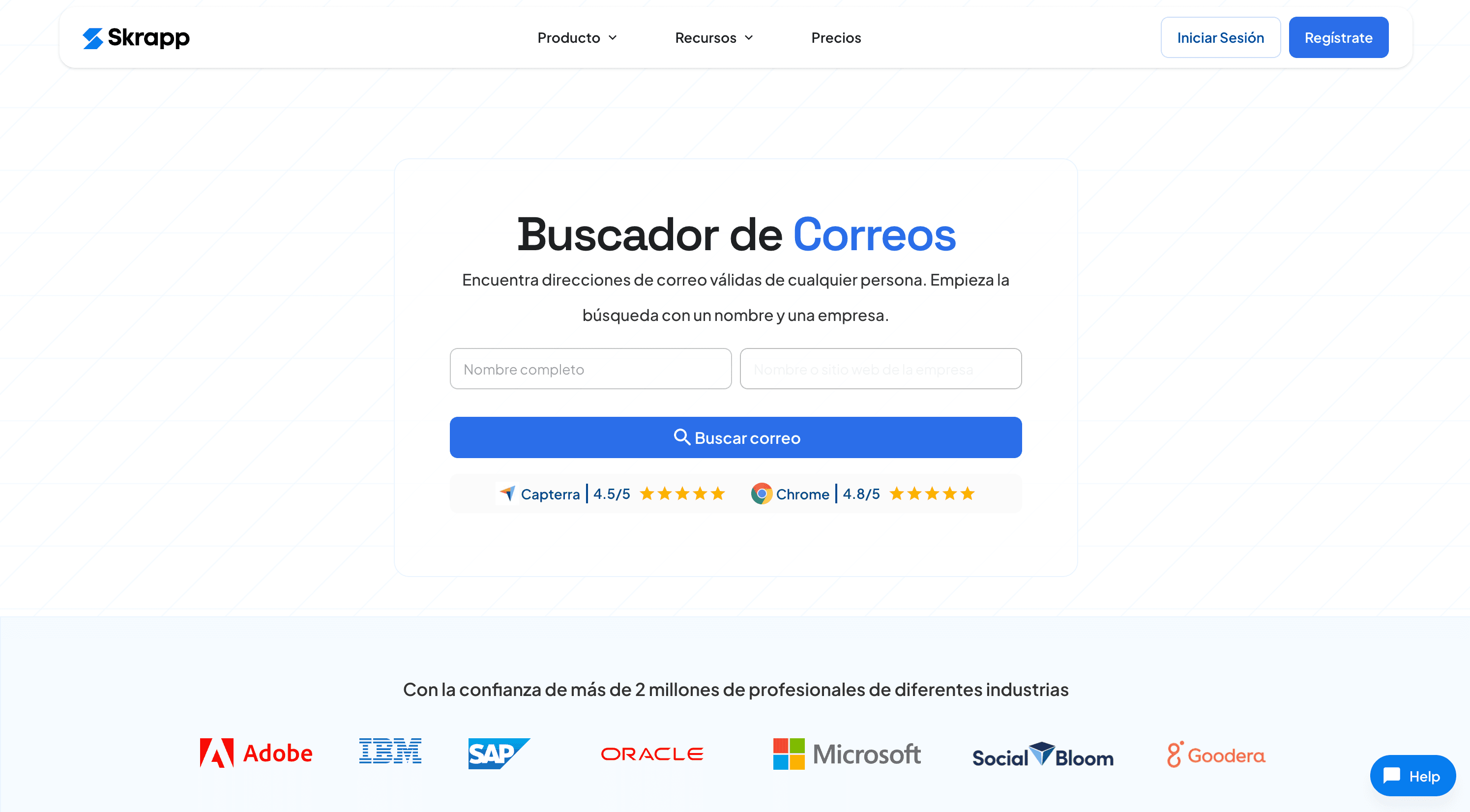
a very handy tool for finding professional email addresses. It works especially well with LinkedIn, since it lets you extract emails directly from profiles or lists, which makes it ideal for B2B prospecting. You can also use it on web pages: look up emails one by one (with name and company) or run bulk searches from lists, which saves you a lot of time. In addition, Skrapp finds and verifies emails automatically, which improves the reliability of the data. It has a very easy-to-use Chrome extension and a free version that is enough to get started. For example, if you open a person's profile on LinkedIn, you just have to click the extension to see their email address and check whether it is verified.
-
Hunter.io:
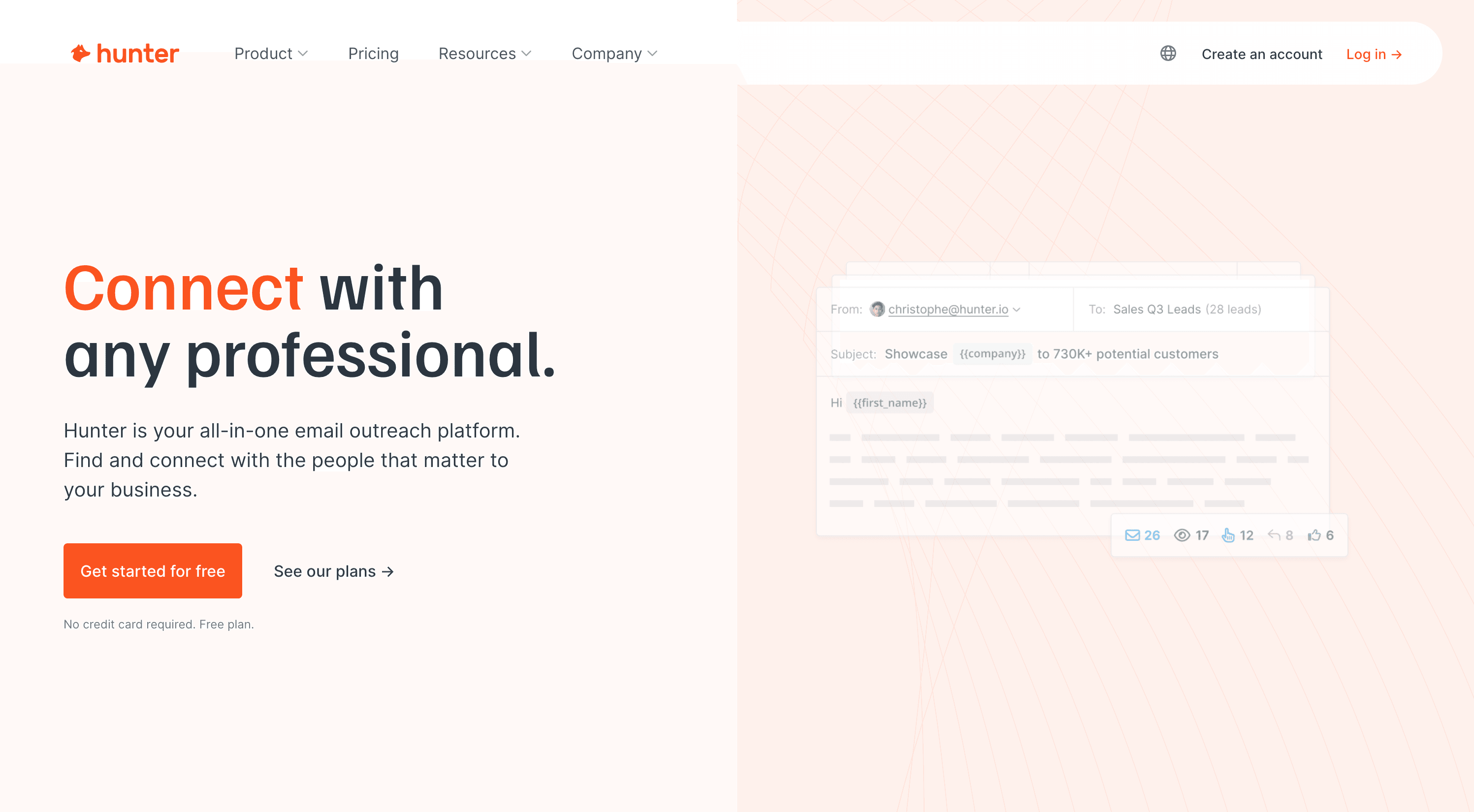
If you have any clue about where the person works or their email domain, Hunter is excellent. You enter a company domain (for example, company.com) and Hunter will list the emails formatted with that domain and the associated names. That is, if you are looking for Marta García who works at XYZ S.A., and you know the domain is xyzsa.com, Hunter can show you all the public @xyzsa.com emails, one of which may be Marta's. You can even try a reverse search: enter the email you think is hers, and Hunter confirms whether it exists and is active (it has a built-in verifier). The free version gives you about 25-50 searches a month, enough for occasional use.
-
Mailerfind:
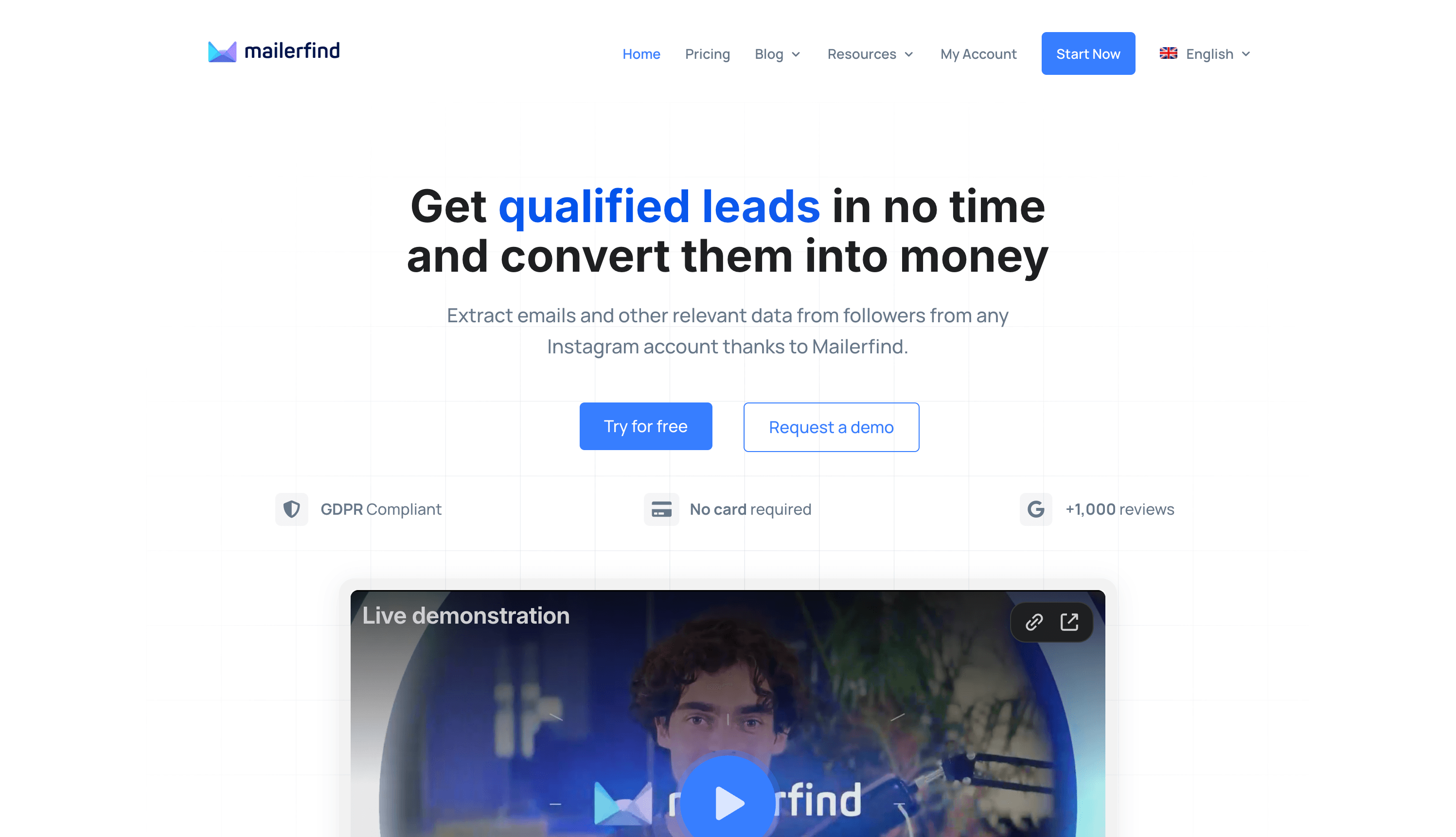
If your search is oriented toward social media, especially Instagram, this is one of the standout tools. Mailerfind is a service that extracts public Instagram data in bulk. In which cases should you use it? Imagine you want to contact the followers of a certain account (for example, a competitor's followers, or those of an influencer in your niche) to offer them your services. Mailerfind lets you enter the name of that Instagram account and automatically track the profiles of all its followers, extracting any public email those followers have put in their bio. In a matter of minutes you can get a list of emails of highly targeted people. The great thing is that they state they comply with privacy rules (it only extracts data that people made public) and it has safeguards so as not to violate Instagram's policies. In my experience testing it, I was surprised by the speed – thousands of leads in seconds, literally – with which it collected the contact data, something that would take days manually. For those looking to capture leads or connect with an account's followers, Mailerfind is invaluable.
-
Other tools and scrapers:

In the professional arena there are many more, such as Lusha, Snov.io, Apollo, etc., focused on finding emails from names or companies. There are even scrapers for LinkedIn (e.g. PhantomBuster, or others that extract data from public profiles). These advanced methods sometimes require subscriptions or some technical knowledge, but they are there. If you are a marketer or recruiter, it is worth exploring several and comparing them. For example, Hunter is very good for corporate emails, FindThatLead for combining public data, and Mailerfind for Instagram leads, each one shining in its own specific field.
An important recommendation: be ethical and legal when using these tools. Getting a public email address does not mean you can bombard it with spam. If you are going to make contact, do it individually and for a legitimate reason, or if it is for mass emailing make sure you comply with regulations (GDPR where applicable, providing an unsubscribe option, etc.). Tools like Mailerfind emphasize that they comply with GDPR by using only public data, but the use you make of it must also be responsible.

Check public records and traditional directories
The Internet isn't everything. Sometimes, to track someone down, you have to turn to sources outside the modern digital circuit, such as official records or phone directories. Depending on the country and the information you are looking for, these options can be useful:
- Civil registries and official gazettes: In Spain, the Civil Registry stores information on births, marriages, deaths, name changes, etc. If you are looking for relatives or ancestors, you can request certificates from the civil registry of the relevant town. Many registries are being digitized, and it is possible to run preliminary searches online or via electronic requests. For example, if you are looking for an old school friend, you may be able to find their trail by consulting civil registry indexes (although, because of data protection, it's not as if you can walk in and snoop around freely; you will need some specific reason or procedure). Another source is the Official Gazettes (the BOE in Spain, or similar ones in each country), where name changes, notices of unknown whereabouts, etc. are sometimes published.
- White / yellow pages: Remember paper phone books? Their digital versions still exist. In Spain, the White Pages (individuals) unfortunately stopped being public a few years ago, but the Yellow Pages (phone numbers for companies and professionals) are still online. There are also directories like QDQ or telephone information services. If you know what the person does for a living or have some idea of their business, you might find an associated phone number or address. For other countries, many have their own directories (for example, in Latin America there are usually digital white pages run by phone companies or the state). These sources are especially useful for locating older people who may not be active on social media but still have a landline in their name.
- Property or company records: If the person has any registered assets (a house, a car) or appears as a company director, that information may be public. For example, the Land Registry or the Commercial Registry (in Spain) allow you, for a fee, to obtain ownership details. This is more convoluted and perhaps excessive for most searches, but in complex investigations it can be revealing (for example, learning that John Doe appears as a partner in a company in a certain city can give you their current location).
All in all, don't rule out "old-school" methods. Sometimes, searching official or physical sources complements what the Internet didn't tell you. And in any case, you must always make sure you use this information legally and with respect for privacy.
Offline methods to locate people (beyond the Internet)
Although almost everything leaves a digital trace today, a point may come when you need to step out of the online world to keep searching. Either because the person you are looking for has no presence on the Internet, or because it is a delicate case (e.g. missing persons). Let's look at offline options:
Contact acquaintances, relatives or former colleagues
The first offline step is to pull out your address book and your memory. Do you know anyone close to the person? A relative, a mutual friend, a former work or study colleague. Calling or writing to them may seem obvious, but it works. Many people find someone years later because "a friend of a friend had news of them".
Here's a personal example: while looking for an old university colleague, I remembered that another mutual friend might know about him. Sure enough, talking to that friend I learned that the colleague had moved abroad, and he gave me his new email. Traditional personal networks (word of mouth, in other words) are still among the most effective ways to locate people, especially when the internet fails.
So think back: who else knew the person you are looking for? Who did they usually hang out with? Did they have best friends, siblings, neighbors you could get in touch with? Even if you don't have their direct contact details, look for them on social media or in directories, and ask them. That said, be respectful and explain why you are looking for that person (for example, "I'm a childhood friend who wants to reconnect"). People tend to be helpful when the approach is honest.
Go to local records and archives in person
If online isn't enough, consider visiting physical places where information might be found. Some examples:
- Town halls and municipal registers: In some countries, municipalities keep a register of residents. You can't freely access personal data (data protection comes first), but if you have some legal standing (for example, you are a relative looking for heirs or it is something official), you could request information on someone's whereabouts. In general, this is complex, but it exists.
- Schools, universities, associations: If you are looking for a former classmate, go to the school or university where they studied. Many institutions have alumni associations or keep up-to-date contact details for their former students. A principal or administrator may be able to pass on a message or give you a clue about where that person is (of course, it will depend on their privacy policies).
- Newspaper archives and libraries: What if you are looking for someone with a certain public profile? For example, a local artist, an activist, etc. Libraries or local press archives may hold references (old interviews, mentions) that haven't been digitized. Going to the town library and searching old newspapers for the person's name sometimes brings to light curious details, such as awards they won, their participation in events, etc., which give clues (perhaps a 2005 article says "María moved to X to continue her studies", etc.). It's classic detective work, but useful for long histories.
Final tips: legality, safety and common sense
Before wrapping up this guide, I want to share some crucial tips that apply to any method you use to find someone:
- Respect privacy and the law: Searching for public information is fine, but don't invade a person's privacy. Don't hack accounts, don't try to access protected data and don't use the information to harass or harm anyone. Remember that in many countries (especially the EU) personal data is protected by law. Use only legal and ethical methods, such as the ones we mentioned (public data on social networks, directories, etc.). If a tool requires you to impersonate someone else or break any rule, avoid it.
- Verify the information you find: The Internet can contain outdated or false data. If you find an address or phone number, try to corroborate it with more than one source before taking it as good. I have seen cases of namesakes (two people with the same name) that lead to embarrassing mix-ups. So confirm details (age, photos, context) to make sure that "María González" you found is the one you are looking for and not someone else.
- Be careful when making contact: Once you locate the person or their contact details, think carefully about how to approach them. If it is an old friend, a friendly message on Facebook or an email will probably be well received. If it is someone who isn't expecting you (e.g., a potential customer whose email you obtained), introduce yourself properly in the first contact and give them the option not to reply if they don't want to. In the case of people you had sensitive falling-outs with (relatives, exes), be respectful and understand that they may not want to re-establish contact.
- Don't pay for dubious information: On the web you will see ads like "We find anyone for $1". Be wary. Many of those sites charge you and give you public information that you could have found yourself or, worse, incorrect data. The serious tools we mentioned (Pipl, Spokeo, etc.) are at least legitimate companies. But never pay a stranger who promises to "hand you your ex's new number" or something shady. It could be a scam or illegal practices.

With these tips in mind, you are ready to dive in and find people successfully. I have tried to cover every possible scenario here, from searching for free on the internet to relying on advanced services, so that you have more resources than most. Now it's up to you to get to work!
Remember: patience and perseverance are key. Sometimes the most relevant information turns up in the least expected place, or after several failed attempts. Don't get discouraged; with every step you will be closer to finding that person you have in mind. Best of luck in your search!
Frequently asked questions (FAQs)
What are the best sites to search for people for free?
Some of the most useful are Webmii, PeekYou and Snitch.name for general profile searches. Also Yellow Pages (businesses) or phone directories if you are looking for numbers. Tools like Hunter.io or FindThatLead offer limited free plans for finding professional emails. Effectiveness depends on the case, but trying several increases your chances.
How can I find someone with just their name?
Start with Google: search for the full name in quotation marks and add known details (city, profession). Then try it on Facebook and LinkedIn, filtering results by location, job, etc. If the name is common, you may need more details to tell the right person apart. A specialized search engine like Webmii or Pipl can also help by cross-referencing the name with other data.
What if I only have the phone number or the email?
With a phone number, try saving it on your phone and see if it shows up on WhatsApp (it sometimes shows a photo or name). You can search for the number as is on Google, in case it appears in an ad or public profile. There are also apps like TrueCaller that identify numbers known to the community. For an email address, look at the part after the @ (the domain) to see whether it belongs to a known company, or search for it on Google/LinkedIn directly. Tools like Hunter can verify whether an email is valid. With an email, you can sometimes try sending a message to see if the person replies.
Is it legal to use people search tools and scrapers?
Yes, as long as you use public information and for legitimate purposes. The tools mentioned (people finders, Mailerfind, etc.) rely on data that people have made public. You are not hacking anything, just aggregating available information. However, you must respect each platform's terms (for example, don't spam the emails you obtain). In short: searching for public data is legal, but the subsequent use of that data has to comply with privacy regulations and not infringe the person's rights.
How do I search for a missing (unlocated) person?
If you suspect the person is missing under worrying circumstances, go to the police and file a report as soon as possible. Provide photos and all the info you have. In parallel, spread the word on social media with the help of friends and family, and contact missing persons organizations in your area. Don't wait too long: the first hours/days are crucial. For someone you lost touch with years ago (but who is not in danger), you can use the methods in this guide or even ask for help from local TV/radio programs that help reunite families, etc.
Can I get the email addresses of an Instagram account's followers?
Not directly from Instagram, because it doesn't show followers' emails. But with external tools like Mailerfind it is possible. Mailerfind extracts the public emails that users have put in their Instagram profiles in an automated way. For example, you could get the emails of your competitor's followers or those of an account related to your industry, and then contact them (taking care to comply with privacy rules). It is a very useful solution for marketing and lead generation, impossible to do manually when thousands of users are involved.
What is the fastest way to find someone on the Internet?
There is no single magic formula, but in general start with Google + social media, which usually give immediate results if the person has an online presence. A quick method: search for the name on Google, then on Facebook and LinkedIn. If that fails, try a specialized search engine like Webmii. In many cases, this is enough to find someone in a few minutes. If you still get nothing, the person may have a small digital footprint and you will have to invest more time combining techniques (like the ones described in this guide). In any case, combining methods is the fastest way to get results, because you cover every possible front. Good luck!